

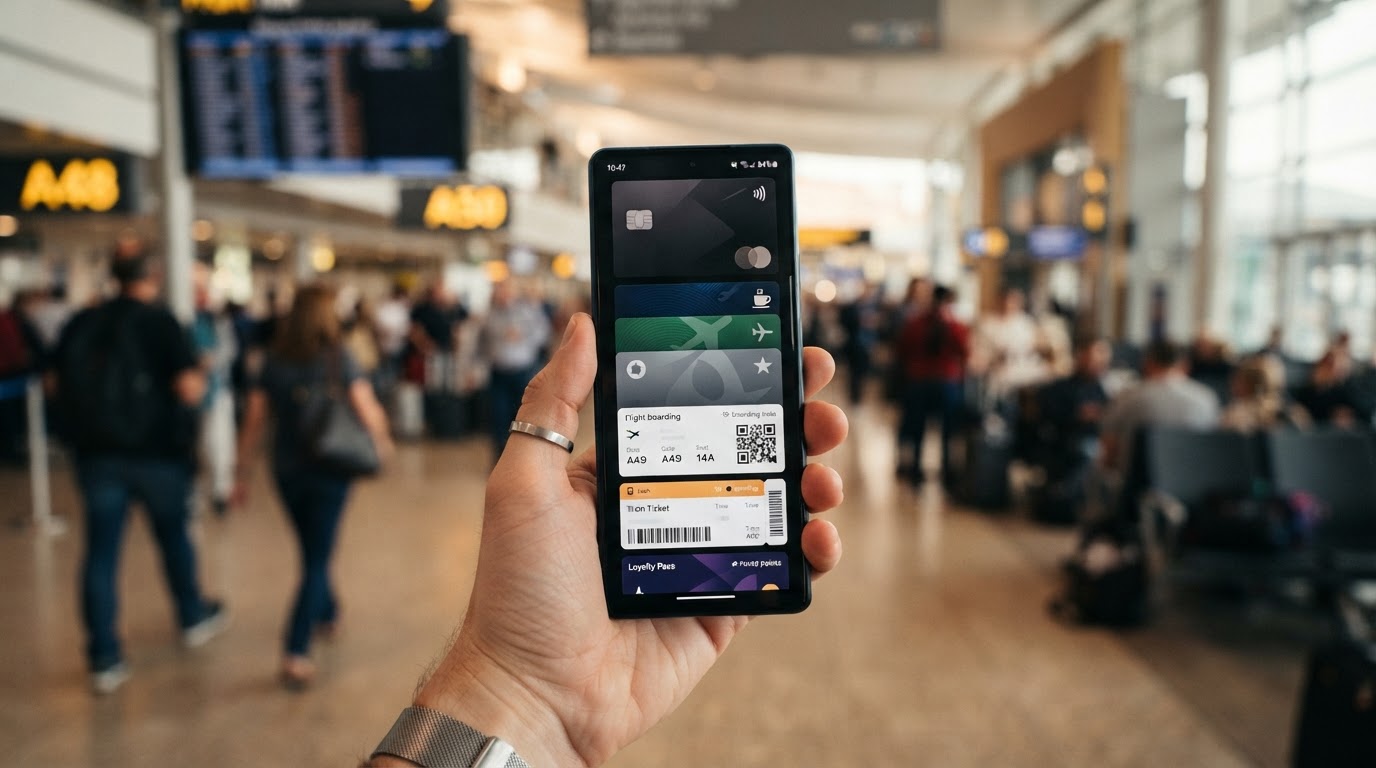
Google Wallet has finally arrived as a standalone app for iPhone users in the United States, giving people another way to organize tickets, boarding passes, loyalty cards and purchase information. Until now, Google Wallet was most closely associated with Android, where it acts as a central place for payment cards and everyday passes. The iOS launch makes some of that convenience available to people who use an iPhone but still rely on Google services for email, travel and shopping.
There is one important limitation, though: Google Wallet on iPhone does not support tap-to-pay. That means it is not a direct replacement for Apple Pay at the checkout terminal. Instead, the app focuses on organizing digital items and managing online purchases across Google services. It is still useful, but iPhone owners should understand what the app can and cannot do before moving their cards and passes into it.
What Google Wallet can do on an iPhone
Google says the iOS app can automatically sync information from Gmail and other Google apps. That includes package tracking, digital boarding passes, concert tickets and receipts, making it easier to find purchase details without searching through an inbox. Users can also scan physical loyalty cards and gym memberships with the iPhone camera, turning them into digital cards that can be stored in the app.
The app can also securely manage payment cards for online checkout across Google and other places where Google Pay is accepted. This is different from using an iPhone at a physical payment terminal. The card information can help speed up supported online transactions, while the app also provides a central place to view confirmations, receipts and delivery updates for purchases made through Google.
Why tap-to-pay is missing
The biggest difference between Google Wallet on Android and the new iPhone app is the ability to make contactless payments in stores. Google explicitly says tap-to-pay is not supported on iOS at this time. Apple controls the platform-level payment experience on iPhone, and Apple Pay remains the built-in option for tapping a phone or watch at a contactless terminal. Google Wallet’s new iOS app therefore serves a different purpose from the Android version.
For people who already use Apple Pay, this may not be a major problem. They can keep their everyday bank cards in Apple Wallet and use Google Wallet for airline tickets, loyalty cards, receipts and other Google-linked information. That split approach may actually be more convenient than trying to make one app handle every task. The key is not to expect Google Wallet to replace Apple Wallet entirely. If you are setting up a new Apple device, our checklist of five things to do right after buying an iPhone covers the other essentials worth checking.
Google is also positioning Wallet for AI-assisted shopping
Google describes Wallet as a secure place to manage agentic purchases made across its services. In practical terms, that means order confirmations, receipts and delivery updates can be collected in one place when purchases are made with Google’s shopping and AI tools. As AI assistants become more capable of researching products and completing transactions, a central record of what was bought and when it will arrive could become more important.
That future is still developing, and the iPhone launch is a small step rather than a complete new payment system. Users should review the permissions they grant, especially if they want Wallet to scan Gmail for receipts and travel information. Automatic organization is convenient, but it depends on connecting services and allowing the app to process information from them. Google’s official iOS launch announcement explains which features are available at launch.
Who should download it?
Google Wallet makes the most sense for iPhone owners who already use Gmail, Google Flights, Google shopping services or digital loyalty cards. It can reduce the number of places they need to look when preparing for a trip or checking a recent purchase. People who mainly want a faster way to pay in stores will get more value from Apple Pay, because Google Wallet does not currently offer the tap-to-pay function on iPhone.
The app is launching in the United States, so users in other countries should check their local App Store listing and Google’s regional support information before expecting the same features. If you are in the US, you can install Google Wallet and start by adding a loyalty card or checking which passes sync from your Google account. The Google Wallet Help Center is useful for understanding supported passes and payment options. The arrival on iPhone is notable, but its value is in organization and Google integration, not replacing Apple’s contactless payment system. For more Apple ecosystem context, take a look at our roundup of Apple’s latest iPhone, AirPods and Apple Watch announcements.