

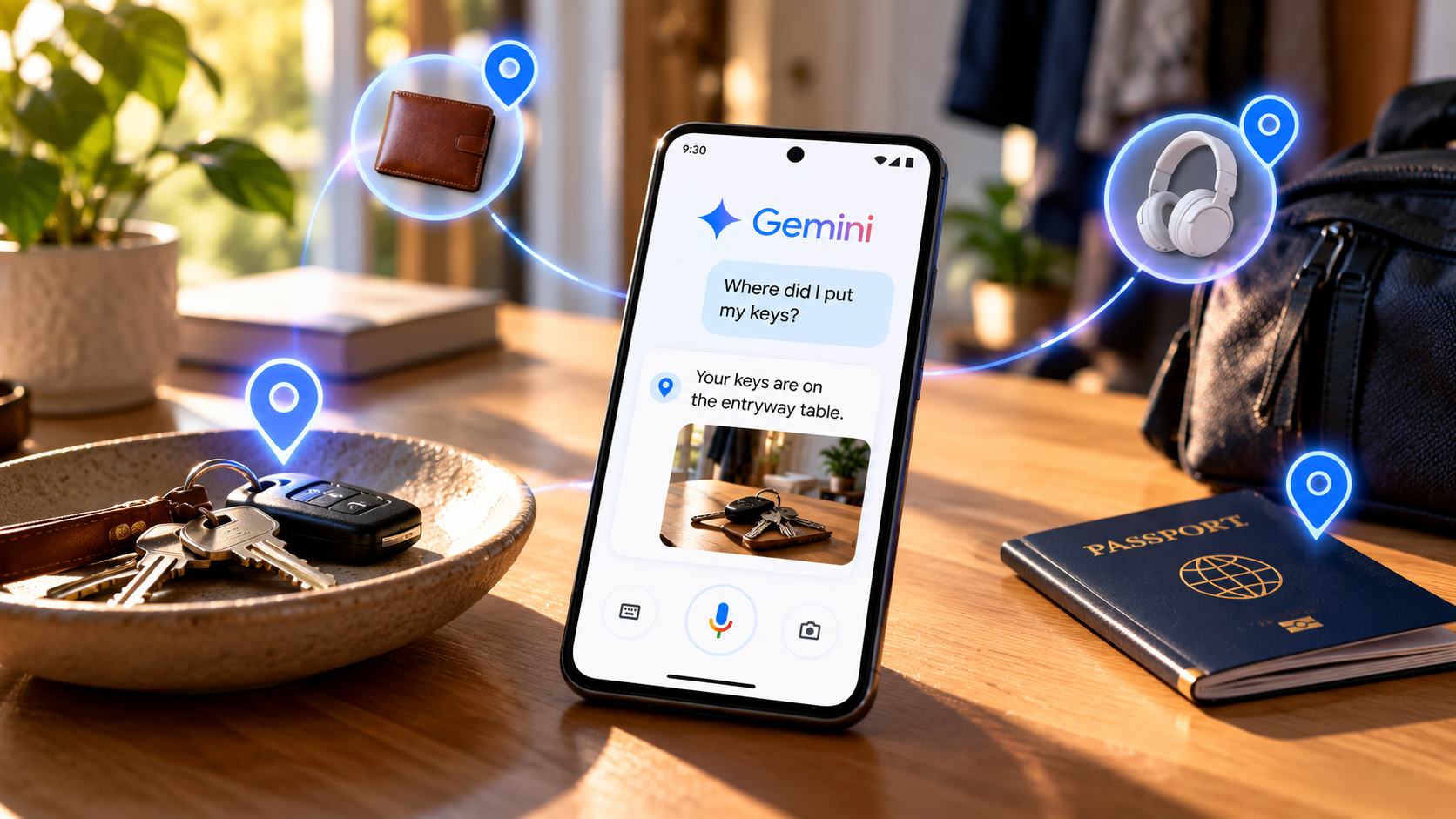
Ever put your spare keys somewhere “safe” and then completely forget where that safe place was? Google has a useful solution for exactly this problem. Gemini can work with Find Hub to remember where you leave physical items, so you can ask about them later instead of searching every drawer in the house.
The feature is particularly useful for things you don’t use every day, such as passports, spare keys, important documents, chargers, tools or even something you lent to someone.
Here’s how to set it up and use it.
What You Need
Before you start, there are a few requirements. You need an Android phone running Android 16 or later, with both the Gemini and Find Hub apps installed. You also need to be signed into the same Google Account in both apps and have Gemini set as your phone’s default digital assistant.
The feature is designed for physical items and locations. It isn’t intended for remembering digital files, abstract ideas or events.
How to Make Gemini Remember Where You Put Something
The easiest way to save an item is simply to tell Gemini where you put it.
Activate Gemini by saying “Hey Google” or by using your phone’s usual Gemini activation method.
Then give Gemini a clear instruction, such as:
“Hey Google, remember in Find Hub that my passport is in the top bedroom drawer.”
You could also say:
“Save to Find Hub that the spare house key is under the front porch mat.”
Or simply:
“Gemini, my green umbrella is by the front door.”
Gemini will save the item and its location in Find Hub.
It’s worth being specific when you save something. Instead of saying that your passport is “in the bedroom,” for example, tell Gemini that it’s in the top drawer of the nightstand. The more useful the original information is, the easier it will be to find the item later.
How to Ask Gemini Where You Put Something
Once you’ve saved an item, finding it again is just as easy.
Activate Gemini and ask a normal question, such as:
“Where is my passport?”
or:
“Where did I put the spare keys?”
You can also ask:
“Where’s my car key?”
Gemini can retrieve the information you previously saved and tell you the location.
You don’t have to use Gemini every time, either. Open the Find Hub app and tap Remembered to see the items you’ve saved. You can also use the search bar to find a specific item.
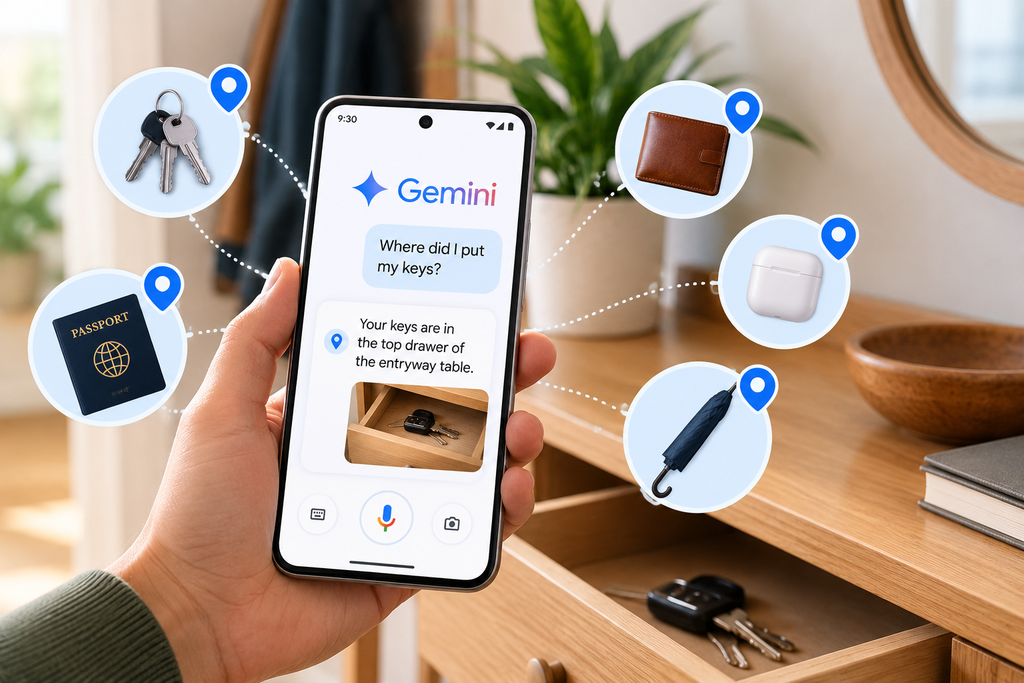
You Can Update an Item’s Location
This becomes even more useful when you move something.
Let’s say you originally told Gemini that your spare key was under the front-door mat, but you later moved it to a kitchen drawer. You can tell Gemini:
“Update in Find Hub that my spare house key is now in the kitchen drawer.”
If you use the exact name of an existing item, Gemini can update its storage location instead of creating another entry for the same item.
You can also edit the information manually inside Find Hub.
What Can Gemini Remember?
You can use the feature for all kinds of physical objects.
Examples include:
- Passports and other important documents
- Spare house or car keys
- Wallets and glasses
- TV remotes
- Batteries and tools
- Chargers
- Gardening equipment
- Items you’ve lent to someone
- Where you parked your car
You can also add a photo or extra notes to a remembered item, which can make the information more useful later.
One Important Thing to Remember
This isn’t a replacement for a physical tracker such as a Bluetooth tag. Find Hub’s remembered-items feature does not track an object’s real-time location. It simply remembers the location information you gave it, so you can retrieve that information later. Google also notes that accuracy depends on the information provided by the user.
That distinction is important. If you tell Gemini that your keys are in the kitchen drawer and someone later moves them to the living room, Gemini won’t magically know that they have moved.
Still, for those everyday moments when you simply can’t remember where you put something, it could be a surprisingly useful little feature.
Once you get into the habit of telling Gemini where you put things, you may never have to wonder “Where did I put that?” quite as often again.