

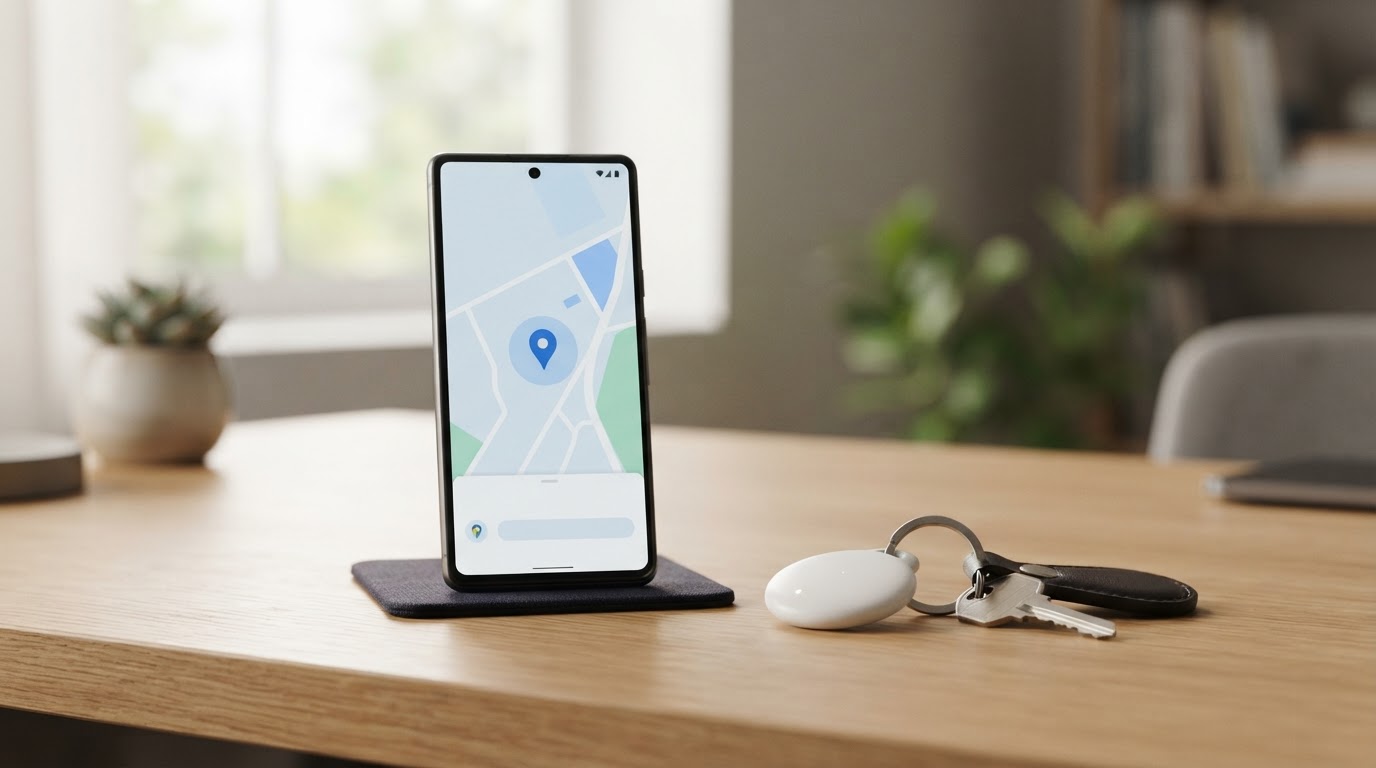
Google’s November Pixel Drop is more than a routine collection of software fixes. The update brings a fresh set of practical features to Pixel phones and watches, with Google focusing on smarter everyday tasks, deeper personalization and a new way to keep track of belongings. Some changes are limited to the newest Pixel models, while others are arriving on older devices too, which makes this update worth checking even if you are not using the latest phone.
The headline addition is Pixel Tag, Google’s own item tracker for Android. But the November update also expands Gemini Intelligence on Pixel 10, improves search across the phone, adds new home-screen widgets and brings step-by-step workout guidance to supported Pixel Watches. As with most Pixel Drops, availability is rolling out in stages, so not every device or country will receive every feature at the same time.
Pixel Tag gives Android users another way to find lost items
Pixel Tag is designed for the everyday objects that tend to disappear at the worst possible moment: keys, bags, luggage and wallets. Google says the tracker works with Find Hub and can use a network of more than one billion Android devices to help locate an item when it is away from your own phone. The tracker is slim enough to fit in a wallet, and its battery is rated for more than a year. When the item is nearby, Ultra Wideband support can provide directional guidance and distance information on compatible phones.
Google lists the Pixel Tag at $29.99 for one or $99.99 for a four-pack, with availability beginning November 11. It works with Android 9 and newer, but the most precise nearby-finding features depend on compatible hardware. That distinction matters: the broad Find Hub network is the main benefit for most Android owners, while UWB is an extra layer for people with supported devices. Google’s official November Pixel Drop announcement explains the rollout and regional limitations.
Gemini Intelligence makes Pixel 10 more proactive
On Pixel 10 devices, Gemini Intelligence gains several features intended to reduce small bits of daily friction. Rambler improves voice typing by removing filler words and organizing spoken thoughts into clearer messages. Google also describes multi-step tasks such as arranging a ride, ordering food or finding a reservation, although those actions are currently limited to selected countries and require the supported Pixel and Gemini setup. The important point is that these tools are not simply a new chatbot screen; they are designed to connect more directly with tasks people already perform on their phones. For a broader look at Google’s AI-first computing plans, see our coverage of Googlebook and its Gemini-and-Android laptop concept.
Google is also adding personalized widgets that users can create for things such as spending, sports schedules or travel countdowns. A widget that pulls together useful information can be more convenient than opening several apps, but the feature is not universal. Google’s availability notes list supported Pixel models and selected markets, and the company says some features will arrive on Pixel Watch later. Users should therefore check the feature notes rather than assume every Pixel 10 function is available on every Pixel.
Older Pixel phones and Pixel Watch owners get useful upgrades too
The update is not only about the newest phone. Pixel Search is expanding to Pixel 6 and newer, allowing users to look across photos, recent emails, messages, calendar events and device settings. That could make the search bar more useful as a central way to find information that has become buried in different apps. Google Messages also gains support for HiLight on selected newer phones, giving a subtle glow when a favorite contact sends a message while the phone is face down.
For wearables, step-by-step workouts are rolling out to Pixel Watch 3 and newer. Users can follow a structured routine, log repetitions and weights, and check workout metrics from the watch or phone. Some routines require a Google Health Premium subscription, so this is not a completely free coaching feature. The update also promises automatic watch unlocking when a compatible phone is nearby, although that feature is arriving later and depends on Ultra Wideband support.
What Pixel owners should check first
The best way to approach the November Pixel Drop is to look for the features that match your own device and habits. If you regularly misplace keys or luggage, Pixel Tag is the most tangible new product. If you dictate messages, Rambler may save time. If you use a Pixel Watch for exercise, the new workout guidance is worth exploring once the update appears. Owners of older phones should check Pixel Search, because that is one of the broader improvements.
Open Settings and check for system updates, then review the relevant Google apps in the Play Store. Some Pixel Drop features arrive through app updates rather than a single Android system download, and staged rollouts can take several days or weeks. Google’s Pixel software update information is a useful reference if a feature has been announced but has not appeared on your device yet. The November release is a reminder that a phone can gain meaningful capabilities long after its launch, even when the hardware stays exactly the same. If you use Gemini beyond the Pixel ecosystem, our guide to using Gemini to remember where you left everyday items shows another practical example of Google’s assistant working across devices.